There Be Monsters
A downloadable game for Android
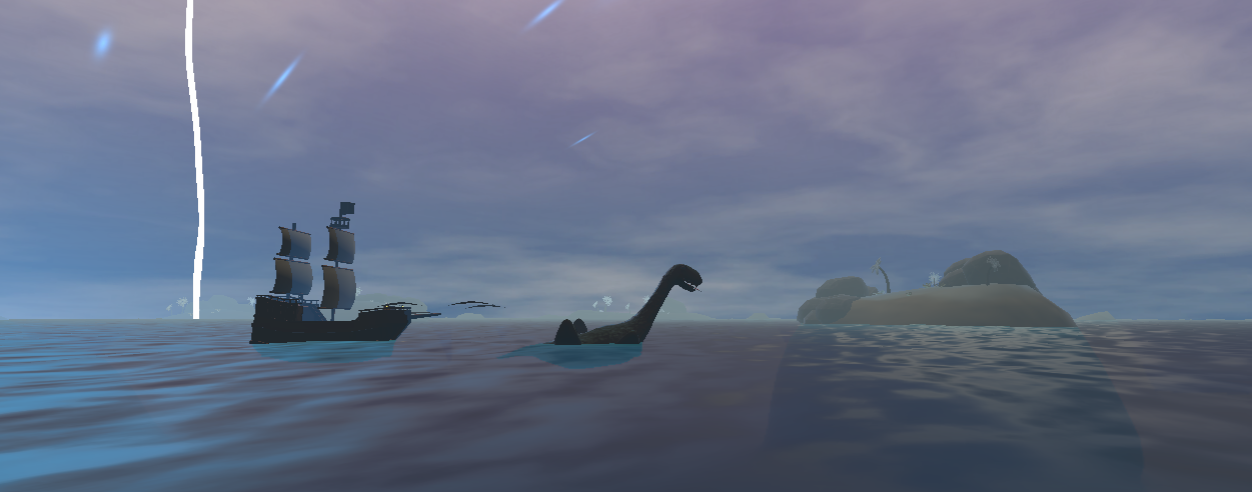
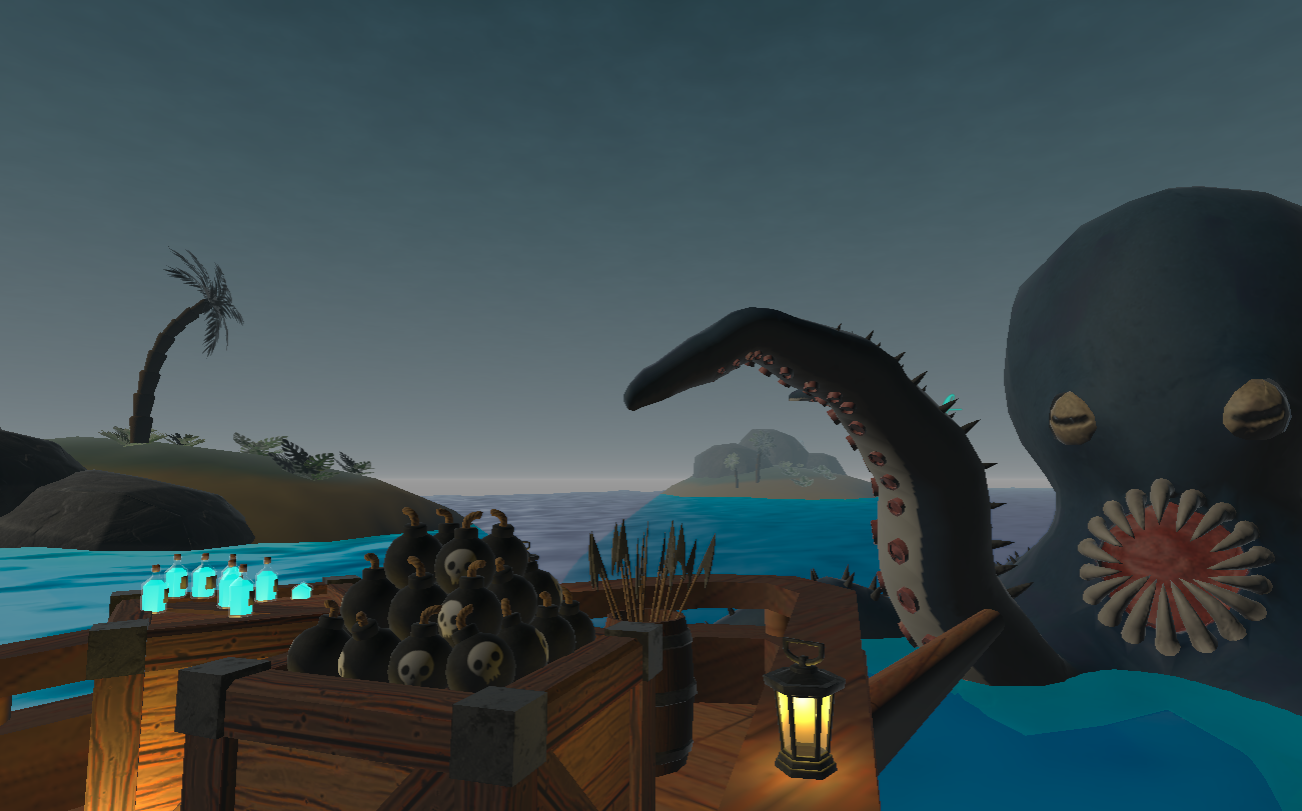
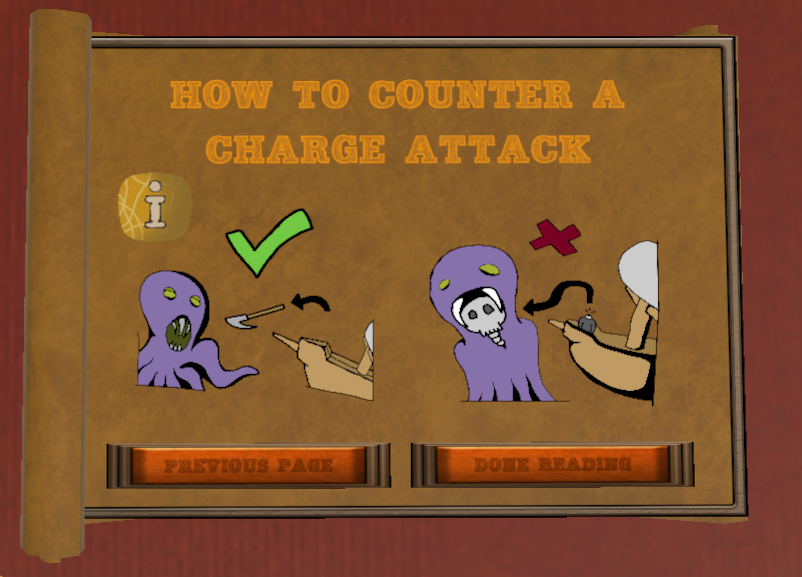
a fast paced action game, where you will hunt down mythical sea monsters in a boss battle setting.
Made by: Max, Susan(https://www.artstation.com/susanwinkels), Tamara, Niek, Julian, Maurits
~ April 2024
Download
Install instructions
What you need:
- A Meta Quest 2 headset
- The Meta app on your phone (iOS or Android)
- A USB-C cable (the one that came with your Quest works)
- A PC or Mac
- The .apk file you downloaded from this page
Full instructions for first-timers:
1. Open the Meta app on your phone
2. Go to Menu → Devices and select your Quest headset.
3. Turn on developer mode
4. Tap Headset Settings → Developer Mode and toggle it on. You may need to create a free Meta developer account at developer.oculus.com if prompted, it only takes a minute.Developer mode stays on permanently. You only need to do this once.
5. Install SideQuest on your computer
6. Download SideQuest (Advanced Installer)
7. Go to sidequestvr.com/setup-howto and download the Advanced Installer for your OS (Windows or Mac). Install it and open it.
8. Connect your headset
9. Plug in your Quest via USB-C
10. Connect your Quest to your computer with a USB-C cable. Put the headset on and a prompt will appear inside asking "Allow USB debugging?". Tap Allow. If you don't see the USB debugging prompt, try a different cable. Some cables are charge-only and don't transfer data.
11. Check that SideQuest sees your headset.
12. In SideQuest, look at the top-left corner. The dot should turn green. If it's red or orange, your Quest isn't connected yet, try re-plugging the cable and allowing USB debugging again.
13. Install the .apk file.
14. In SideQuest, click the Install APK file from folder button (the box with an arrow icon, near the top right). Select the .apk file you downloaded. Wait for the green success message.
15. Find the game in "Unknown Sources"
16. Put on your headset. Go to your App Library, click the dropdown in the top right, and select Unknown Sources. The game will appear there.
Comments
Log in with itch.io to leave a comment.
PEAAAK GAAAME